
Pick a design that actually gets read.
Upload the résumé you already have. We rebuild it to survive the software, in whichever of ten designs you choose.
- Designs
- 10
- Free with an account
- 6
- More with Premium
- 4
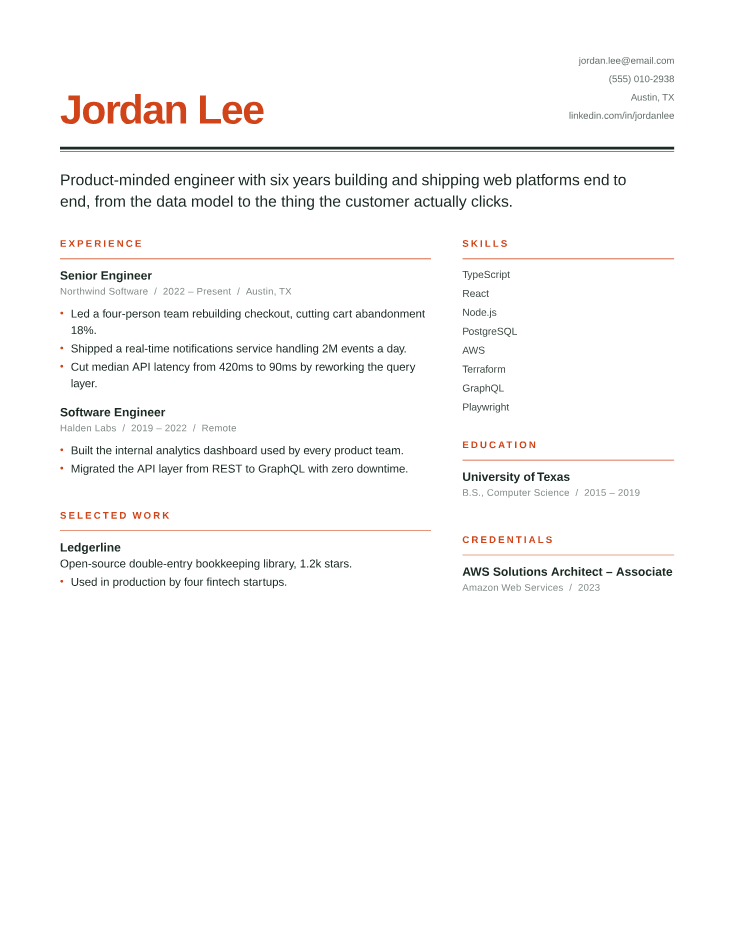
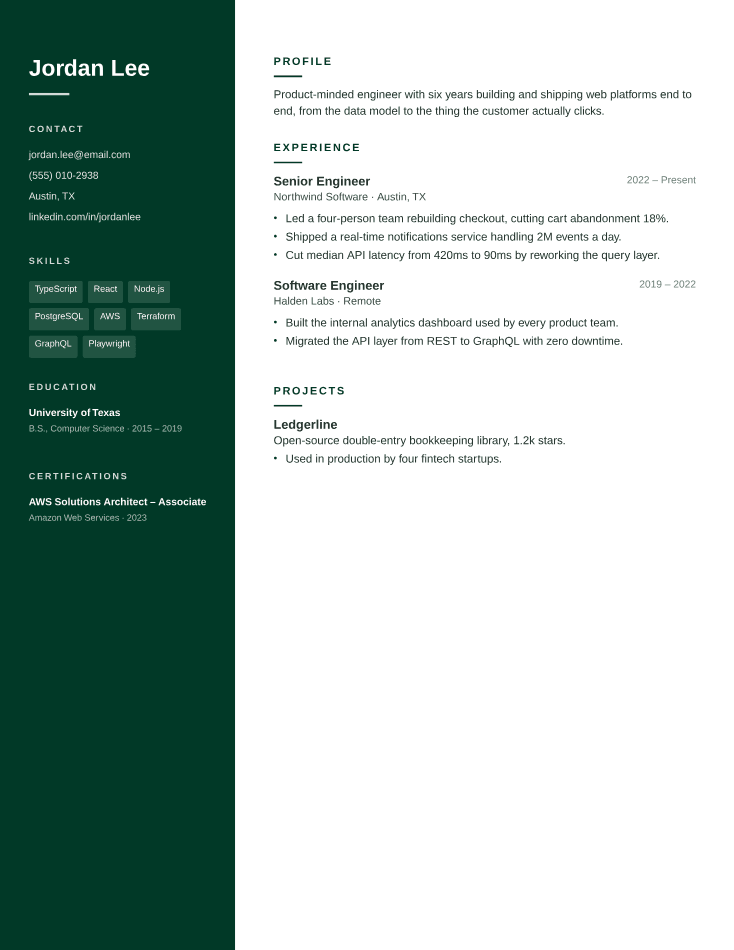
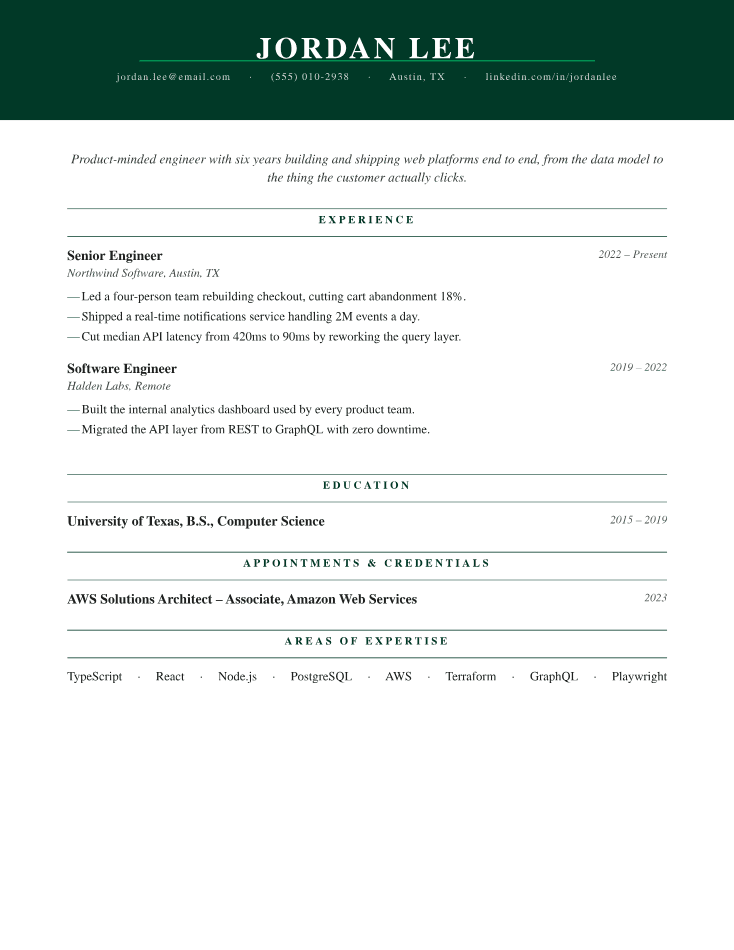
- Choose a designTen to pick from. Six are free with your account.
- Upload what you havePDF, DOCX, or TXT, even a rough one.
- Get it back rewrittenSame facts, restructured to survive a screener.
Choose a design
10 to pick from. 6 come with a free account, the other 4 with Premium. You can change it later.
Upload the résumé you already have
We keep every fact and fix the structure, the phrasing, and the things that get a good candidate filtered out.
FAQ
Frequently asked questions
How far back should I go?
Ten to fifteen years in detail. Older jobs get one line each, or nothing at all if they don't help your case. That's not hiding anything: a résumé argues for one job, it isn't your life story.
Should I put a photo on it?
Not in the US or UK. Plenty of employers there bin résumés with photos to keep bias out of screening, so it can genuinely cost you the read. Different elsewhere, much of Europe and Asia expects one.
Do I need an objective at the top?
No. It tells them what you want, which they already know. A two-line summary is worth more, and only if it says something specific: what you do, at what scale, what happened as a result. If yours says "motivated professional seeking growth," that space is better spent on a bullet.
Can I leave a job off?
Yes. Drop the short ones and the irrelevant ones. Just watch what gap you leave behind, a one-line entry is easier than explaining a silent two-year hole. And a background check may show your history anyway.
Where do references go?
Nowhere. "References available on request" spends a line saying something everyone already assumes. Keep a list, ask the people on it first, hand it over when asked.
New résumé for every job?
Tweak it, don't rewrite it. Keep one strong version and change the summary, the order of your bullets, and which skills you lead with. Starting fresh every time is how typos get in and how people quietly give up.